

WaveSpeed is available from Aikeedo 5.3.
Connect WaveSpeed
1
Create an API key
Sign in to your WaveSpeed account and create a key under API keys.
2
Enter the key in Aikeedo
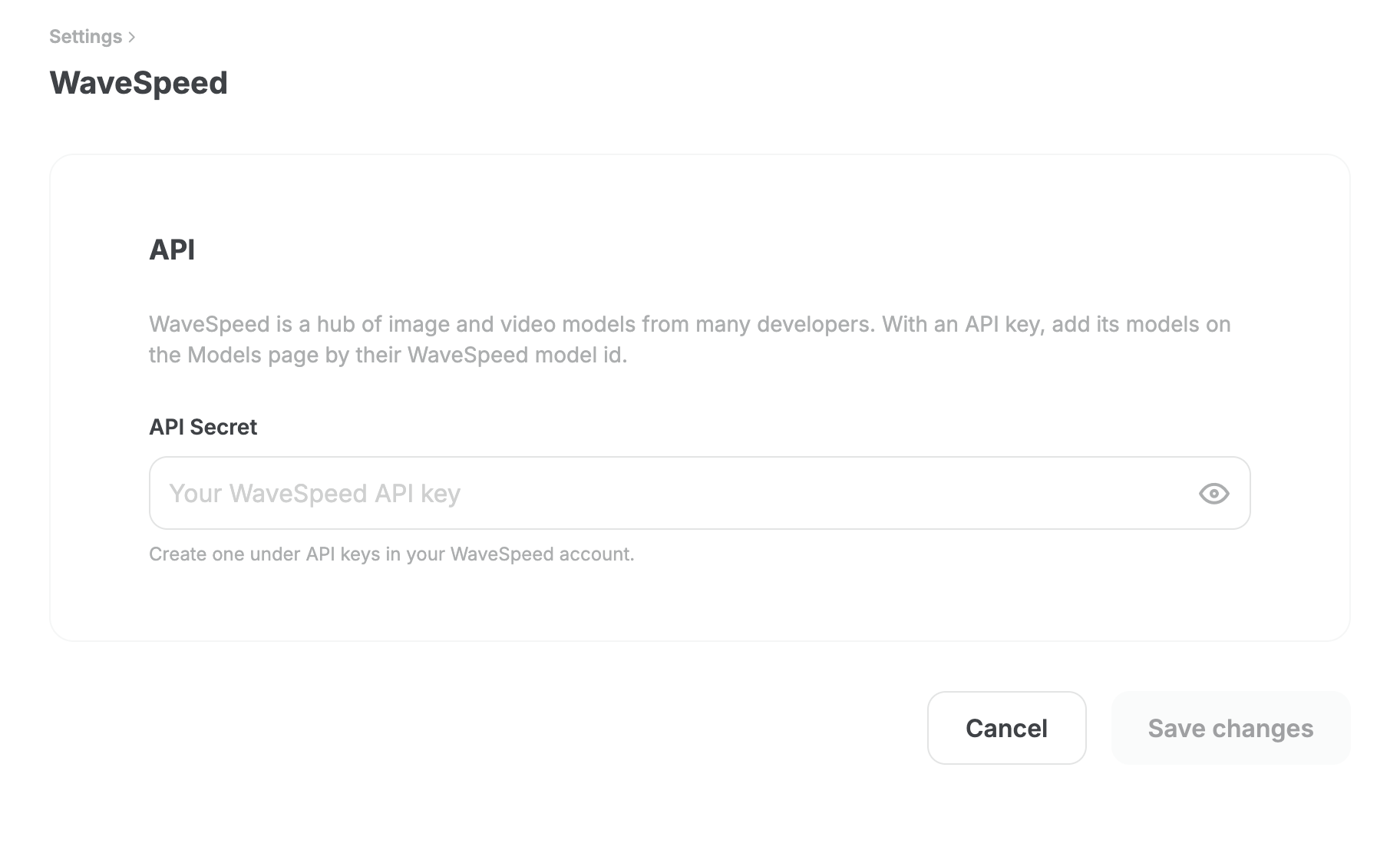
Go to Settings → WaveSpeed, paste the key into API Secret and click Save changes.
Add WaveSpeed models
WaveSpeed models aren’t added automatically. Add the ones you want:1
Start a new model
Go to Settings → Models and click Add model. Choose WaveSpeed as the provider.
2
Look the model up
Type the WaveSpeed model id, such as
bytedance/seedream-v4, or paste the model’s page link from WaveSpeed. Click Look up at the hub.The form fills in with the model’s type, parameters and base price. Change anything you need.3
Add the model and switch it on
Check the price on the Pricing tab, then save and switch the model on.
…/text-to-image model and its …/edit sibling become one image model that can both create and edit, and …/text-to-video and …/image-to-video become one video model.
See Add a hub model to add a model by hand instead.
Pricing
WaveSpeed bills each run in US dollars, and the price can depend on the options a user picks. Aikeedo asks WaveSpeed’s price API for a quote before each run starts, and charges:How results come back
WaveSpeed sends the result to your site when a run finishes, at/webhooks/wavespeed/{id}. The address is signed with your installation’s JWT_TOKEN, so no extra setup is needed. A scheduled task also checks unfinished runs every minute, so cron must be running.
Troubleshooting
The lookup finds nothing
The lookup finds nothing
Check the model id against the model’s page on WaveSpeed, or paste the page link instead. Make sure the API key is saved under Settings → WaveSpeed.
Runs stay in progress
Runs stay in progress
Check that the cron job runs every minute: the dashboard’s System health card shows Cron job stopped if it doesn’t. See Background Jobs & Queue.